Angle stop – applications
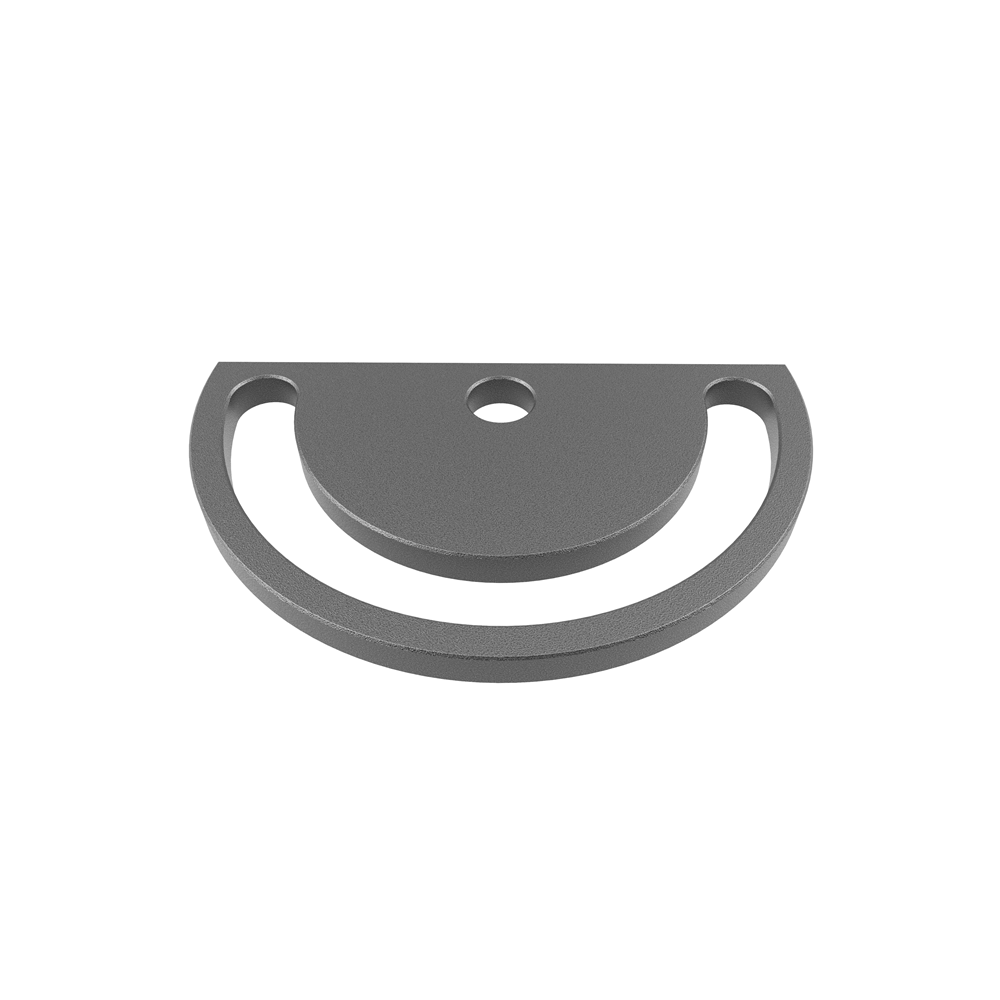
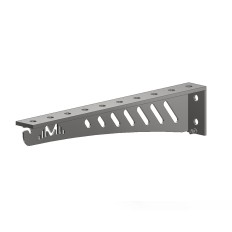
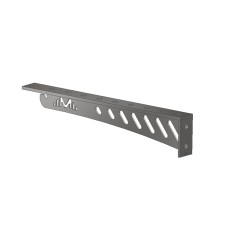
The angle stop is a precise positioning accessory that allows fast referencing and stabilization of parts placed at an angle on a welding table. It is particularly useful for corners, profile joints, and panels where geometry must be maintained during tack welding, assembly, and final welding. With its rigid, angled design, it acts as a reference point while clamps provide the holding force.
How it works on the table
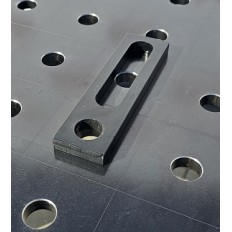
In practice, the angle stop is placed into the table holes, locked with a system pin, and positioned so that the workpiece base surfaces rest flush against its faces. Before tightening the clamps, fine adjustments can be made – the rigid edges guide the part into the correct line and angle, preventing movement during heating.
Where it gives the greatest advantage
It is especially valuable when assembling frames, long profile corners, and irregular edges that cannot be easily guided with a straight stop. The angled design acts simultaneously as a stop and guide, maintaining edge relations and reducing the need for post-weld corrections.
System 16 and 28 – flexible compatibility
The angle stop is available in versions for both system 16 and 28 tables. Simply select the right variant in the configurator, and it will integrate seamlessly with existing pins and clamps. This makes it a convenient choice for workshops using both systems, ensuring process consistency across setups.
Why choose an angle stop over a straight stop?
For angled joints, simultaneous guidance in two directions is crucial. The angle stop provides flat, perpendicular reference surfaces, allowing faster and more repeatable positioning. Its precise geometry minimizes the risk of point contact and deformation caused by localized stresses.
Practical benefits
Introducing an angle stop helps organize the tabletop and shortens workstation preparation time. Operators benefit from fewer improvised spacers, easier angle control, and repeatability in series production. This saves time both before welding and after cooling, as less straightening work is required.
- faster referencing and reliable angle holding in corners,
- reduced geometry corrections after welding,
- consistent use across system 16 and 28 tables.
Practical tips
Set clamps so that main forces do not push the part against the stop surface – the stop defines position, while the clamp holds it. For long profiles, distribute clamping points evenly along the edge to prevent misalignment when heated. When joining materials of different thicknesses, first set the base against the angle stop, then add spacers to balance height differences. Regularly clean working surfaces from spatter, and apply a thin anti-spatter spray for easier maintenance.
Working with other accessories
The angle stop works best with quick-action clamps and system pins. For setups requiring extra support, combine it with a crescent stop or round stop as a spacer – especially with irregularly shaped parts. In series production, prepare a fixed hole pattern: repeatable positioning creates a ready-made template for efficient assembly.
FAQ – Frequently Asked Questions
What is the angle stop used for?
It is used for quick referencing and stabilization of angled parts; it acts as a rigid reference in corners and angled joints.
Is it compatible with both system 16 and 28?
Yes. The product is available in variants for both systems – choose the correct version when ordering.
How is it mounted?
It is inserted into table holes with a system pin, and clamps are added to take over the holding force.
Is it suitable for large and heavy parts?
Yes, as a base element. For larger parts, use multiple clamping points to distribute forces and avoid misalignment.
When to choose an angle stop instead of a straight stop?
Whenever joining parts at an angle or when corner alignment must be controlled in two directions at once; the angled geometry ensures faster and more accurate positioning.


 English
 Polski
 Français
 Slovak